AutoWeight
Model weight editing
Edit model weights.
Verify the result.
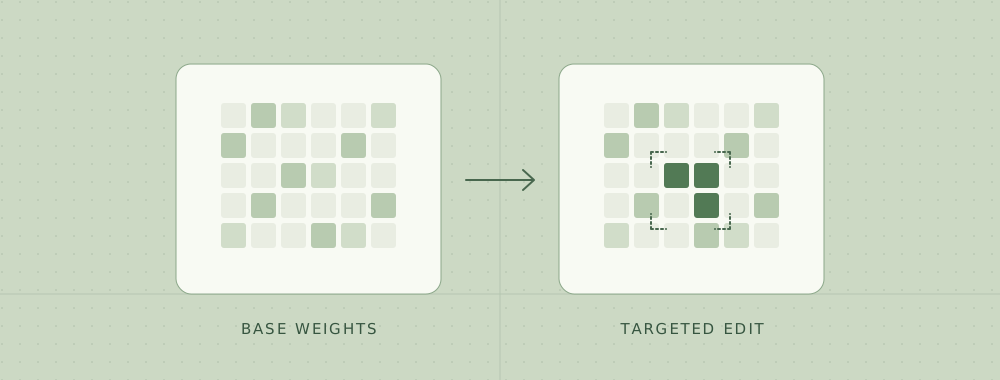
Use Codex CLI or Claude Code to propose edits to a local Hugging Face model. AutoWeight tests each candidate against the behaviors you want to change and preserve.
Python 3.11+ · macOS and Linux · Runs locally
Offline demo preview
Scripted runRepair run
Tiny Hugging Face model
Restore raw JSON responses while preserving queue extraction.
Record the base behavior
The tiny checkpoint wraps JSON responses in Markdown. Queue extraction already works and becomes the preservation check.
Test two scripted edits
- 01 · Scale weights
- Discarded
- 02 · Restore weights
- Eligible
Only the eligible edit advances to the held-out confirmation set.
Confirmation results
Accepted| Behavior | Base | Edited |
|---|---|---|
| Correct raw JSON | 0/32 | 32/32 |
| Queue extraction | 32/32 | 32/32 |
Exported as a Transformers checkpoint
Results from the included CPU demo. Run it locally to create the model and reproduce the export.
Agent setup
Connect Codex CLI or Claude Code
Your coding agent proposes weight edits through MCP. AutoWeight applies and scores them locally, then exports a checkpoint if the selected edit passes confirmation.
01 Prepare your inputs and install AutoWeight
Use an existing input directory with a Hugging Face causal language model in base/ and independent development.jsonl and confirmation.jsonl files. Replace ./repair-inputs with that directory.
uv tool install 'auto-weight[hf,mcp]'
auto-weight setup-runtime --input-root ./repair-inputs
Model and evaluation file format
Include the model’s safetensors weights, config, and tokenizer files. Put at least 32 distinct labeled examples per group in each JSONL split. Give the behavior to change the group fix and give each behavior to preserve its own group. Use different prompts in the confirmation set and leave those examples for the runner.
{"group":"fix","prompt":"Return raw JSON for priority high.","check":{"type":"json","expected":{"priority":"high"}}}
{"group":"queue","prompt":"Name the queue for invoice questions.","check":{"type":"exact","expected":"billing"}}
02 Register the server with your CLI
Run the commands for your installed client from the project you work in. Then use /mcp in a new session to check for auto-weight.
codex mcp add auto-weight -- \
  "$(command -v auto-weight-mcp)"
codexclaude mcp add --transport stdio auto-weight -- \
"$(command -v auto-weight-mcp)"
claude03 Tell the agent what to edit
Use AutoWeight to remove Markdown fences from JSON responses in the model at base. Improve the fix group and preserve queue extraction. Use development.jsonl to try edits and reserve confirmation.jsonl for one final check. Export the edited checkpoint if it passes.
Workflow
From proposed edit to verified checkpoint
- 01
Define the checks
Bring a local Hugging Face checkpoint and labeled examples for the behavior to fix and preserve.
- 02
Test targeted edits
Ask Codex CLI or Claude Code for an edit. AutoWeight applies it to a temporary checkpoint and evaluates it on development examples.
- 03
Confirm and export
Score the selected edit on held-out cases. A passing run exports the evaluated model and its report.
Get started
Run the offline demo
The demo builds a tiny model on CPU and works offline after installation. Use Python 3.11 or newer on macOS or Linux.
uv tool install 'auto-weight[hf,mcp]'
auto-weight demo
Install with pip
python3 -m venv .venv
source .venv/bin/activate
python -m pip install 'auto-weight[hf,mcp]'
auto-weight demo
Research
What holds up in the experiments?
Read five agent repair cases and eight weight-space studies, with local replay results distinguished from the published benchmarks.
Read the research note